Client
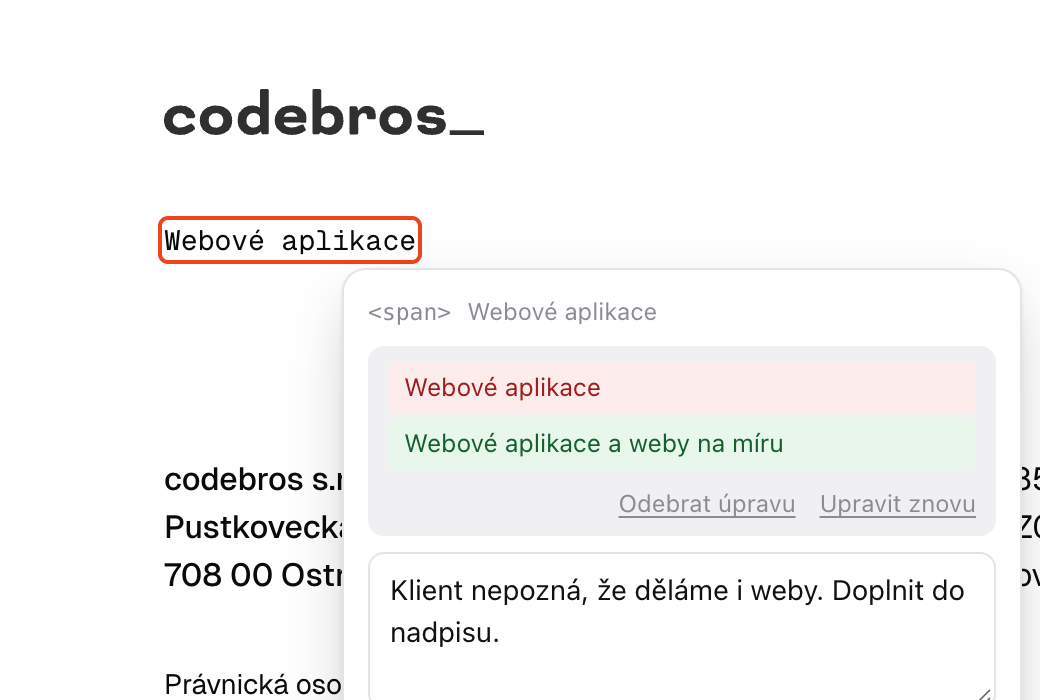
Clicks the page and writes what to change
No screenshots in email and no guessing which heading they meant. fydbek adds the element, window size and browser itself.
Your client clicks the spot they want changed and says why. You and your AI agent then know where, what and in which browser.
Sign in with email or Google, no credit card.
In the connector directoryClaude In the plugin directoryChatGPT
Client
No screenshots in email and no guessing which heading they meant. fydbek adds the element, window size and browser itself.
Team and agent
They read feedback over MCP, ask the client when something is missing and report back. You see every step.
AI agents
fydbek is in the Claude connector directory and the ChatGPT plugin directory. Connect it in one click: sign in to fydbek, choose the organization and approve access. Claude Code and other clients connect with an API token.
Task trackers
Send it with one click, in bulk, or automatically with a project rule. The task gets the feedback text, page and browser, and fydbek adds the client's follow-up comments. When you finish the task in your tool, the feedback comes back to fydbek for review.
Another tool? Webhooks for Make, Zapier and n8n